How Local Companies Are Generating High-Quality Leads with the Help of LinkedIn | 7 Proven Strategies
Why LinkedIn Is a Better Lead Source Than Random Social Reach
LinkedIn vs Facebook for local business lead generation
For most local service businesses, the difference is intent. Facebook is useful for community reach and broad awareness, but LinkedIn is usually stronger for professional buyers, company owners, managers, and decision-makers. If your best clients are businesses, referrals, or higher-ticket service buyers, LinkedIn gives you better targeting and better conversation quality. Facebook can still support retargeting and local visibility, but LinkedIn usually wins when the goal is B2B leads, consulting calls, or service inquiries from people who actually control budgets.
FactorLinkedInFacebookBuyer intentHigher for business offersMixed, often casualTargetingJob title, company, regionInterest and behavior drivenLead qualityUsually strongerOften broader, less focusedBest useB2B, services, professional leadsLocal awareness, community, retargeting
Why local buyers trust LinkedIn more than other platforms
Local buyers trust LinkedIn because it feels professional and specific. They can see your name, role, company, past experience, mutual connections, and content history before they reply. That reduces friction. A founder, clinic owner, builder, realtor, or marketing manager is more likely to answer when the profile looks credible and the message sounds informed. Local companies should use that trust signal carefully. Do not overclaim. Do not sound salesy. Make the profile and content reflect real work, real clients, and real outcomes. Trust is built when people see that you understand their business, their market, and the kind of results they care about.
How to Build a LinkedIn Profile That Converts Local Prospects
How to build a LinkedIn profile for local business lead generation
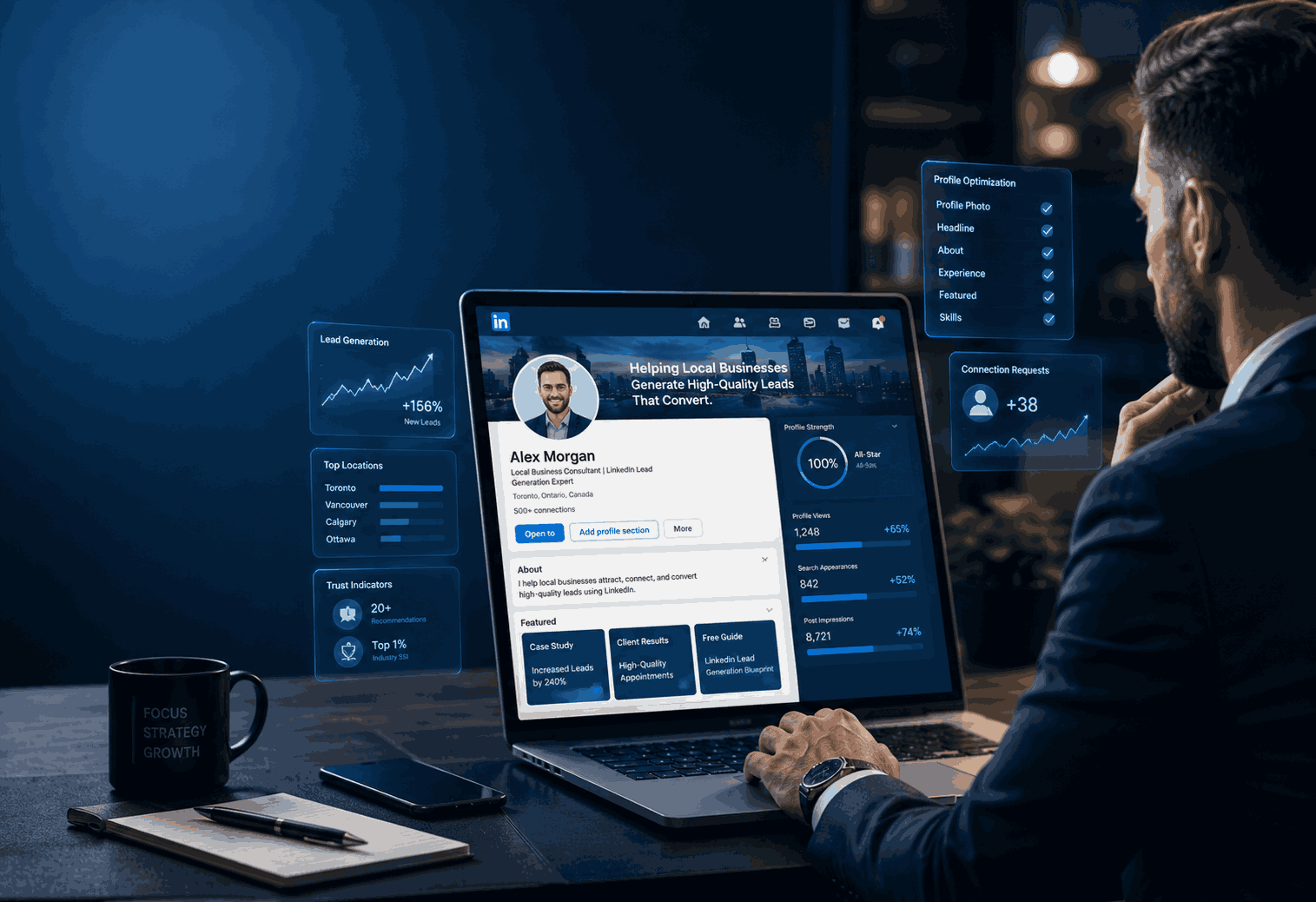
Start with clarity. Use your headline to say what you do, who you help, and where your value is strongest. A local service business does better with a simple, concrete message than a clever slogan. Add a professional photo, a banner that matches your offer, and an About section that talks to the buyer, not to yourself. The goal is for a local prospect to think, “This person understands my kind of business.” Keep the wording direct. Mention the area you serve if geography matters. Add social proof where possible, such as client types, outcomes, years of experience, or industries served. If your profile reads like a resume, fix it. If it reads like a business page with no personality, fix that too.
Profile headline, banner, and About section that build trust fast
The headline is the first trust signal. It should be specific enough to attract the right people and simple enough to understand at a glance. The banner should reinforce the offer, not distract from it. A clear value statement, a location cue, or a service promise can work well. In the About section, use the first few lines to answer three questions: who you help, what problem you solve, and why you are worth talking to. Keep the language natural, not corporate. Local buyers want confidence, not jargon. A short line about your process, your response time, or the type of clients you work with can make the profile feel real and reliable.
Featured section, proof, and CTA setup for more inquiries
The Featured section should reduce hesitation. Add a service page, case study, offer page, testimonial, or lead magnet that helps the prospect take the next step. If you serve local businesses, proof matters more than polish. A simple before-and-after example, client result, or explanation of your process can outperform a long sales pitch. Your call to action should be obvious. Tell visitors exactly what to do next: book a call, send a message, or request a service walkthrough. Every local lead gen profile should end with a clear path forward. If people have to guess what comes next, you lose interest. If they know exactly how to reach you, you gain replies.
LinkedIn Content Strategy That Attracts Local Business Leads
Content on LinkedIn should do more than get attention. It should pre-sell trust. For local companies, the best posts are usually the ones that answer buyer questions, show expertise, and make the reader feel understood. You do not need to post every day. You need to post with purpose. Content should support your service, show your point of view, and make your prospect more comfortable starting a conversation. When people repeatedly see useful insights from you, they begin to treat you like a known name in your market. That makes future outreach warmer and easier.
LinkedIn content strategy to attract local business leads
A good LinkedIn content strategy starts with the problems your buyers already have. Write about the questions they ask before they contact a service provider. Share short explanations, common mistakes, quick wins, and examples from real projects. Local businesses should lean on posts that prove they understand the market and the service process. You are not trying to entertain everyone. You are trying to attract the right people. That means every post should either build trust, show expertise, or create curiosity about your service. The best content often sounds simple because it is useful. Clear writing beats clever writing when the goal is leads.
Content pillars that position you as the local expert
Use three content pillars: problem awareness, proof, and process. Problem awareness posts explain what is hurting the buyer’s results. Proof posts show results, client types, or before-and-after examples. Process posts explain how you work and what makes the experience easier or better. This mix helps local prospects understand not only what you do, but why it matters. It also prevents your feed from becoming a stream of generic tips. If you serve one city or region, include local context when relevant. Mention local buyer behavior, regional market patterns, or the kinds of businesses common in your area. That makes the content feel more grounded and less generic.
Post formats that generate comments, DMs, and profile visits
The best post formats for lead generation are usually the simplest ones. Short case studies, opinion posts, “what I would do differently” posts, checklist-style advice, and myth-busting posts can work very well. The point is to make the reader think, “This is relevant to my business.” A strong post should create one next step: comment, save, visit profile, or send a DM. Do not try to force the sale in every post. Instead, make the content useful enough that the right reader wants more. When a post earns profile visits from your ideal local client, it has already done part of the selling work.
How to Find and Qualify Local Clients on LinkedIn
Finding local clients on LinkedIn works best when you use a simple, repeatable search method. The goal is not to collect thousands of names. The goal is to identify a small group of people who match your ideal client profile and show signs that they may need your help. Start with region, title, industry, and company size. Then look at profile quality, recent activity, mutual connections, and whether the person actually fits your service. A lead is only valuable if it is relevant, reachable, and worth your time. Good qualification saves time, protects your energy, and improves reply rates.
How to use LinkedIn to find local clients for my business
Begin with your best client profile. Think about the type of business, the role of the buyer, the city or region, and the service need. Then search LinkedIn using those filters and review the profiles one by one. Look for clear signs that the person matches your offer: company type, job responsibility, active posting, recent growth, or a visible need related to your service. A local company should also search by nearby cities, industry clusters, and business categories. The best leads are usually not the biggest names. They are the people whose needs, timing, and budget fit your service. Keep the search narrow enough to stay relevant.
Search filters and profile signals that reveal the right prospects
The best search filters are the ones that reduce guesswork. Use location, title, industry, company size, and seniority first. Then look for profile signals that show the person may be open to a conversation: recent activity, job changes, hiring needs, growth posts, or clear business challenges. A strong local lead often has three things in common: they match your target market, they have a real business reason to care, and they are reachable without a long cold pitch. Use a quick checklist when reviewing prospects: Does this person fit the buyer profile? Is the business in my service area? Can I explain why I reached out in one sentence? If the answer is yes, the lead is worth moving forward.I’ve completed the first four H2 sections. The next batch would cover messaging, Sales Navigator, service-business strategy, and measurement, then the closing pitfalls and action plan.nextI’m continuing with the outreach, Sales Navigator, and strategy sections now, then I’ll leave the measurement and closing section for the final batch.
How to Message Potential Clients on LinkedIn Without Being Spammy
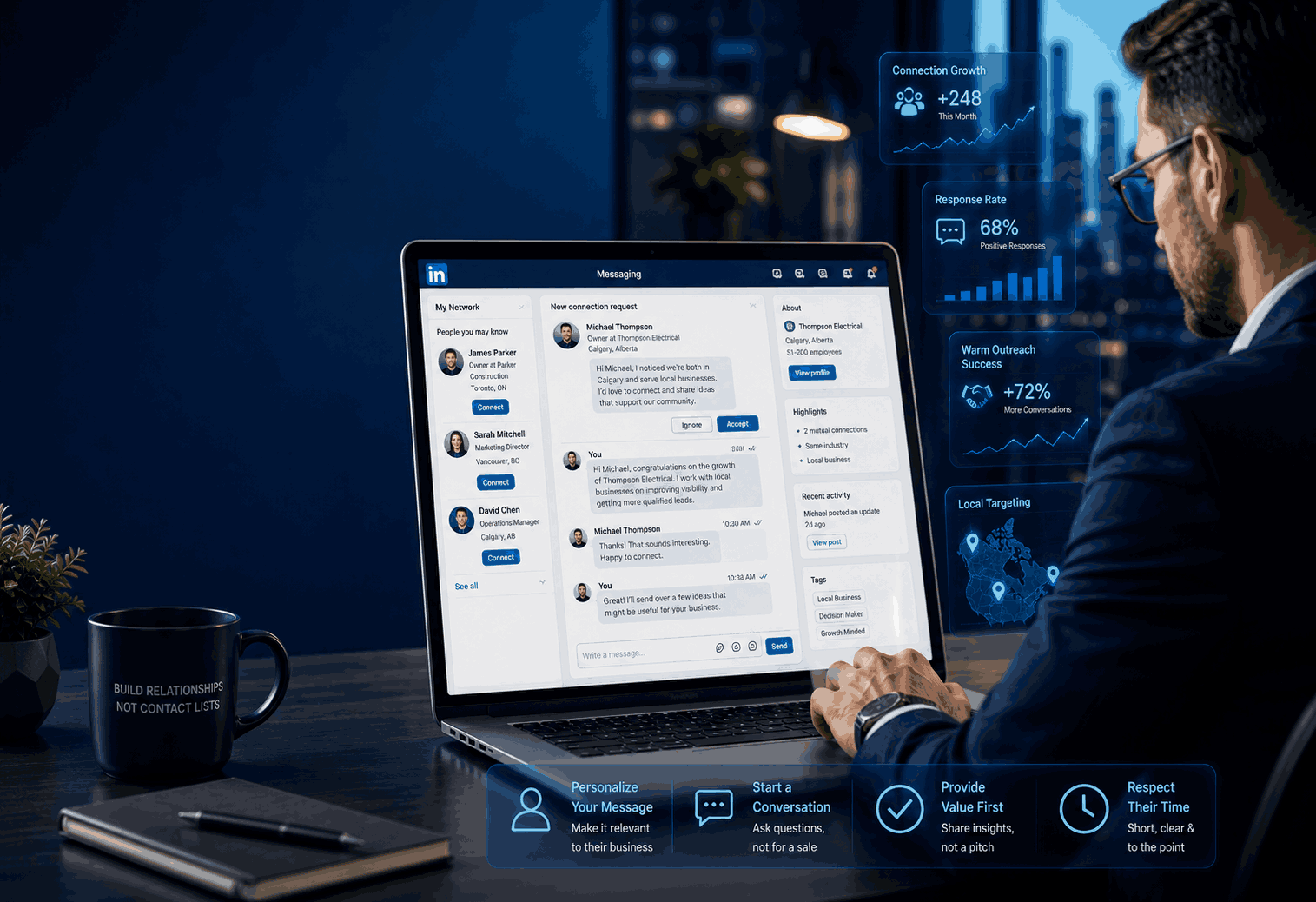
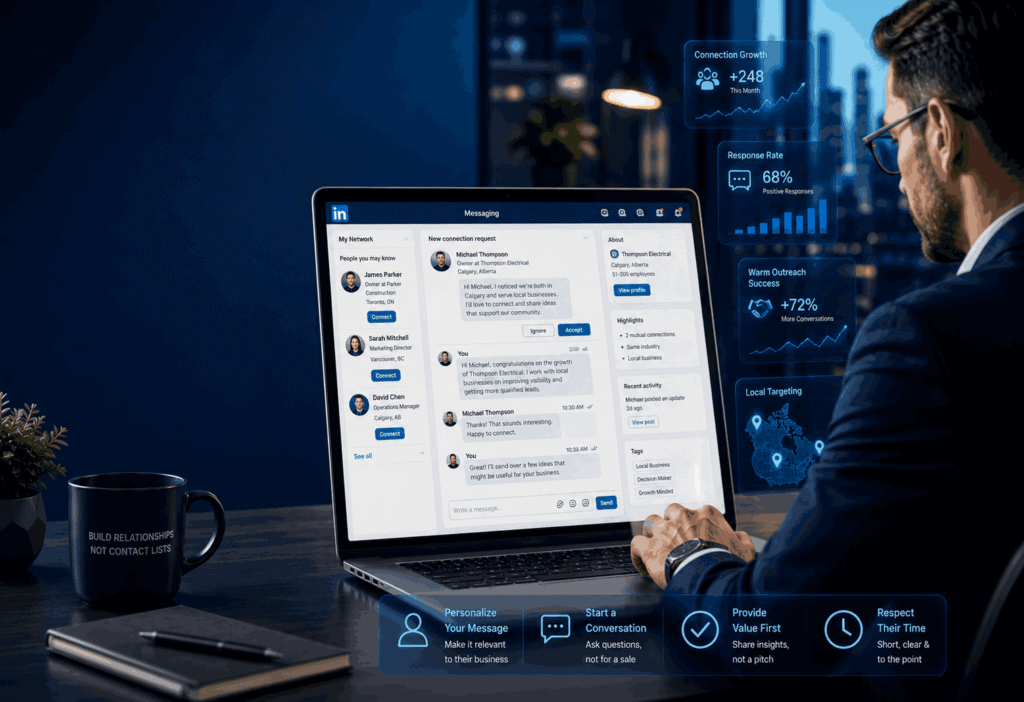
The best LinkedIn messages feel relevant, short, and respectful of the other person’s time. For local lead generation, the goal is not to sound persuasive on the first touch. The goal is to sound real enough that the prospect does not ignore you. Start with context: why this person, why now, and why your message matters to their business. Avoid vague praise, long introductions, and pushy closes. LinkedIn’s own guidance on prospecting and messaging emphasizes clear value, personalization, and starting conversations in a way that creates familiarity rather than pressure. That is exactly what local companies need when reaching nearby decision-makers.
Connection request messages that start conversations naturally
A good connection request is short enough to read in one glance and specific enough to feel intentional. For example, mention the city, industry, mutual context, or a reason you noticed their profile. Do not ask for a call in the first message. That usually creates resistance. Instead, aim for a simple, low-friction connection that opens the door to a real conversation later. LinkedIn’s prospecting guidance favors warm, customized outreach over generic cold contact, because people respond better when the message reflects a real reason for reaching out. For local businesses, this works especially well when you reference a shared market, a relevant service issue, or a business challenge common in their area. The point is to sound like a professional, not a broadcast.
Follow-up messages that create interest without sounding salesy
Your follow-up should add value, not repeat the same ask. The strongest structure is: remind them who you are, state one useful insight, and invite a simple response. For example, you can share a quick observation about their industry, a common local problem, or one improvement you have seen work for similar businesses. Keep the message short and easy to answer. LinkedIn’s messaging guidance stresses clarity and usefulness, because vague or self-centered messages waste the prospect’s time. For local lead generation, this matters even more. A nearby business owner will respond when the message feels informed, specific, and easy to act on. The best follow-up is not louder; it is more relevant.
Using LinkedIn Sales Navigator for Local Lead Generation
Sales Navigator is useful when you need to move from broad searching to precise targeting. For local companies, that means identifying the right geography, role, company type, and buying committee members instead of browsing random profiles. LinkedIn explains that Sales Navigator lets you filter leads by region, industry, function, and seniority, then surface account and lead recommendations based on those preferences. Its best practices also emphasize saving searches and leads so the system keeps feeding you new prospects over time. That makes it especially valuable for local business lead generation, where the target audience is limited and every qualified lead matters.
Using LinkedIn Sales Navigator for local lead generation
The smartest way to use Sales Navigator is to narrow the search until the results are truly usable. Start with location and then layer in seniority, company size, industry, and function. If your offer serves service businesses, you can also look for owners, founders, directors, and managers who likely own the buying decision. LinkedIn recommends using filters to find exact-fit people, then saving searches so the system keeps producing new leads. That is helpful for local companies because your market is usually small enough that wasted leads slow everything down. Once you find a working filter set, treat it like an asset and reuse it. The tool becomes more useful when you stop searching broadly and start building a repeatable local prospecting system.
Best filters, lead lists, and account lists for local targeting
The most useful Sales Navigator setup is usually a mix of lead filters and account lists. Search by geography first, then narrow by role, industry, and seniority. Save the best-fit accounts, then build lead lists inside those accounts so you can reach multiple decision-makers instead of only one contact. LinkedIn also highlights alerts, saved searches, and lead recommendations as a way to stay informed when prospects change jobs, post updates, or show activity that signals timing. For local businesses, this is a major advantage because timing often determines whether the conversation becomes a lead. A saved list helps you stay organized, track patterns, and follow up when a prospect is actually active, not months later after the opportunity has passed.
A simple comparison of Sales Navigator use for local business lead gen
Use caseBasic LinkedIn searchSales NavigatorFinding nearby decision-makersPossible, but limitedStronger with region and seniority filtersSaving qualified prospectsManual and easy to lose track ofBuilt for saved leads, accounts, and searchesTracking buying signalsEasy to missAlerts surface useful updatesMulti-contact targetingHard to manageBetter for account-based prospecting This is why Sales Navigator tends to work better once your local lead generation has a clear target market. It reduces guesswork and gives you a cleaner way to find, save, and revisit the right people. For a small company, that can save hours every week.
LinkedIn Lead Generation Strategies for Local Service Businesses
Local service businesses win on LinkedIn when the strategy is built around trust, relevance, and consistent visibility. That means your profile, content, targeting, and messages should all point to the same service outcome. A local agency, consultant, contractor, coach, or B2B service provider does not need to “go viral.” It needs to stay visible to the right audience long enough to build recognition and credibility. LinkedIn’s own prospecting content repeatedly points toward decision-maker access, personalized outreach, and content distribution as the platform’s core strengths. The best local strategy combines all three instead of relying on just one.
LinkedIn lead generation strategies for local service businesses
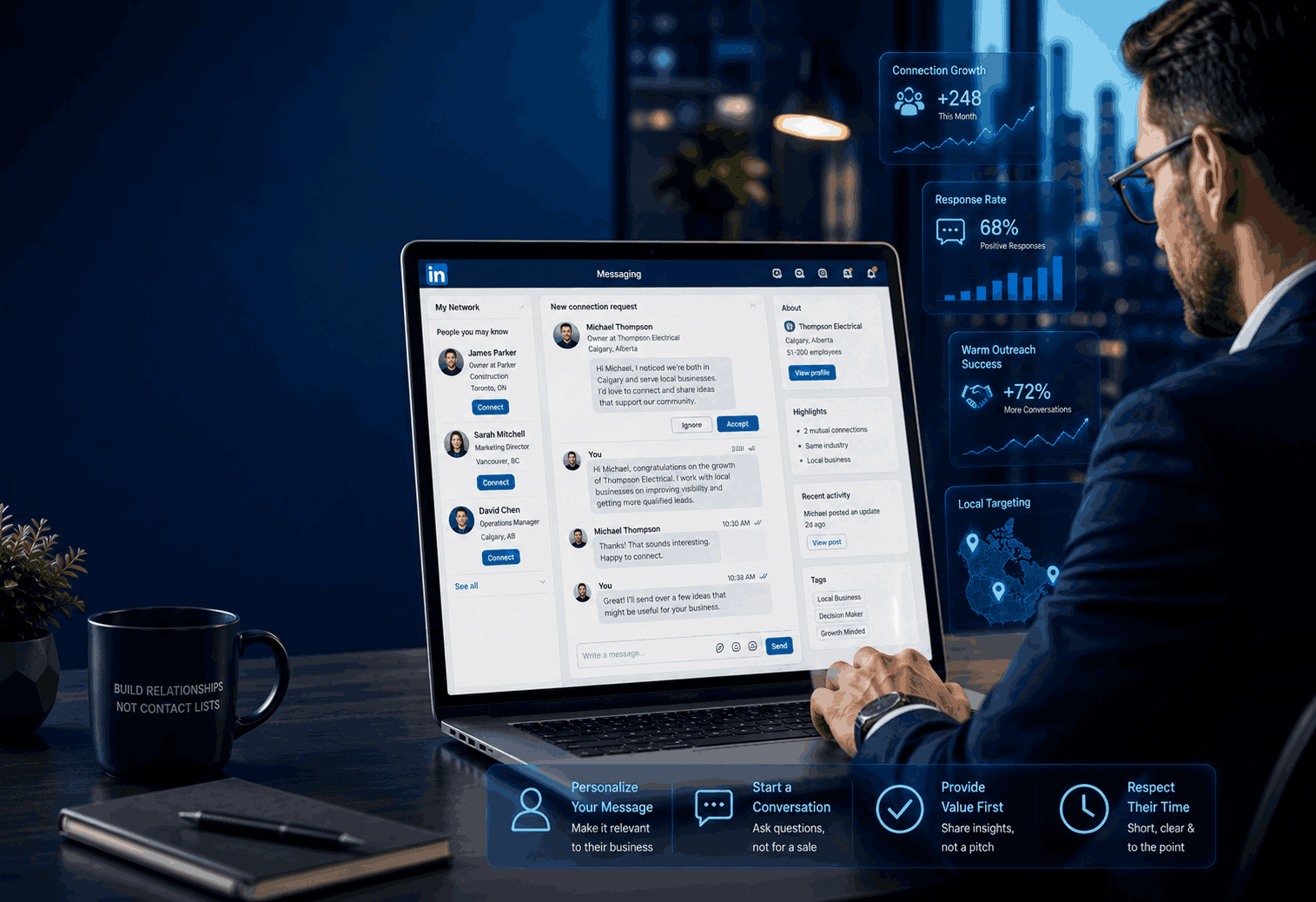
For local service businesses, the strongest strategy is usually a three-part system: attract, filter, and follow up. First, attract the right audience with a profile and posts that speak to the service problem. Second, filter prospects using geography, role, and business type so you only spend time on relevant leads. Third, follow up with short, personalized messages that make it easy to continue the conversation. This is much more effective than posting randomly and hoping someone in your city notices. The system works because it aligns with how buyers behave on LinkedIn: they look at the profile, evaluate credibility, and respond to people who seem informed and specific. That is why local companies should treat every part of the funnel as connected, not separate.
Best way to get B2B leads from LinkedIn for small companies
The best way for a small company to get B2B leads from LinkedIn is to focus on a tight audience and a clear offer. Do not try to speak to everyone in your city. Pick the business type, decision-maker role, and service problem you solve best. Then use content to build familiarity and direct outreach to start conversations. LinkedIn’s sales guidance supports this approach by emphasizing direct access to decision-makers, targeted prospecting, and tailored messaging. Small companies benefit most when they work in focused batches: a few target accounts, a few leads per account, and a few high-quality messages each day. That is easier to manage and easier to improve than scattered, high-volume outreach. The result is a cleaner pipeline with fewer wasted interactions and more meaningful replies.I’ve completed the outreach, Sales Navigator, and local strategy sections. The final batch will cover measurement, common mistakes, and the action plan, and then I’ll close the article in the exact same format.nextI’m pulling the last two sections together now, with a focus on measurement and the practical mistakes that usually block replies or calls.
Measuring Results: Leads, Meetings, and Revenue from LinkedIn
Key metrics to track beyond likes and impressions
How to connect LinkedIn activity to leads, calls, and revenue
A clean way to connect LinkedIn activity to revenue is to assign each lead a source, a stage, and an outcome. For example, a prospect may first see a post, then visit your profile, then accept a connection, then reply to a message, then book a call. That path matters because it tells you which actions are actually creating momentum. LinkedIn’s sales resources stress personalization, research, and timely outreach, which means the lead often becomes warm before the first call ever happens. If you consistently see that pattern, your content and outreach are doing their job. For local companies, this is especially important because one strong client can justify the time spent on the channel. The goal is not just contact creation. It is a measurable pipeline.
MetricWhat it tells youGood signalProfile visitsPeople want to learn moreSteady rise after content/outreachConnection acceptanceYour approach feels relevantHigh acceptance from target audienceRepliesYour message is starting a conversationDirect, non-generic responsesCalls bookedInterest is turning into actionConsistent weekly meetingsClosed revenueLinkedIn is affecting salesQualified clients attributed to the channel
This is the point where many businesses make the wrong decision. They stop because they did not get immediate sales, even though the early signals were strong. A better approach is to review the full path from visibility to conversation to conversion. When those stages improve together, LinkedIn is working.
Common Mistakes, Pitfalls, and Final Action Plan
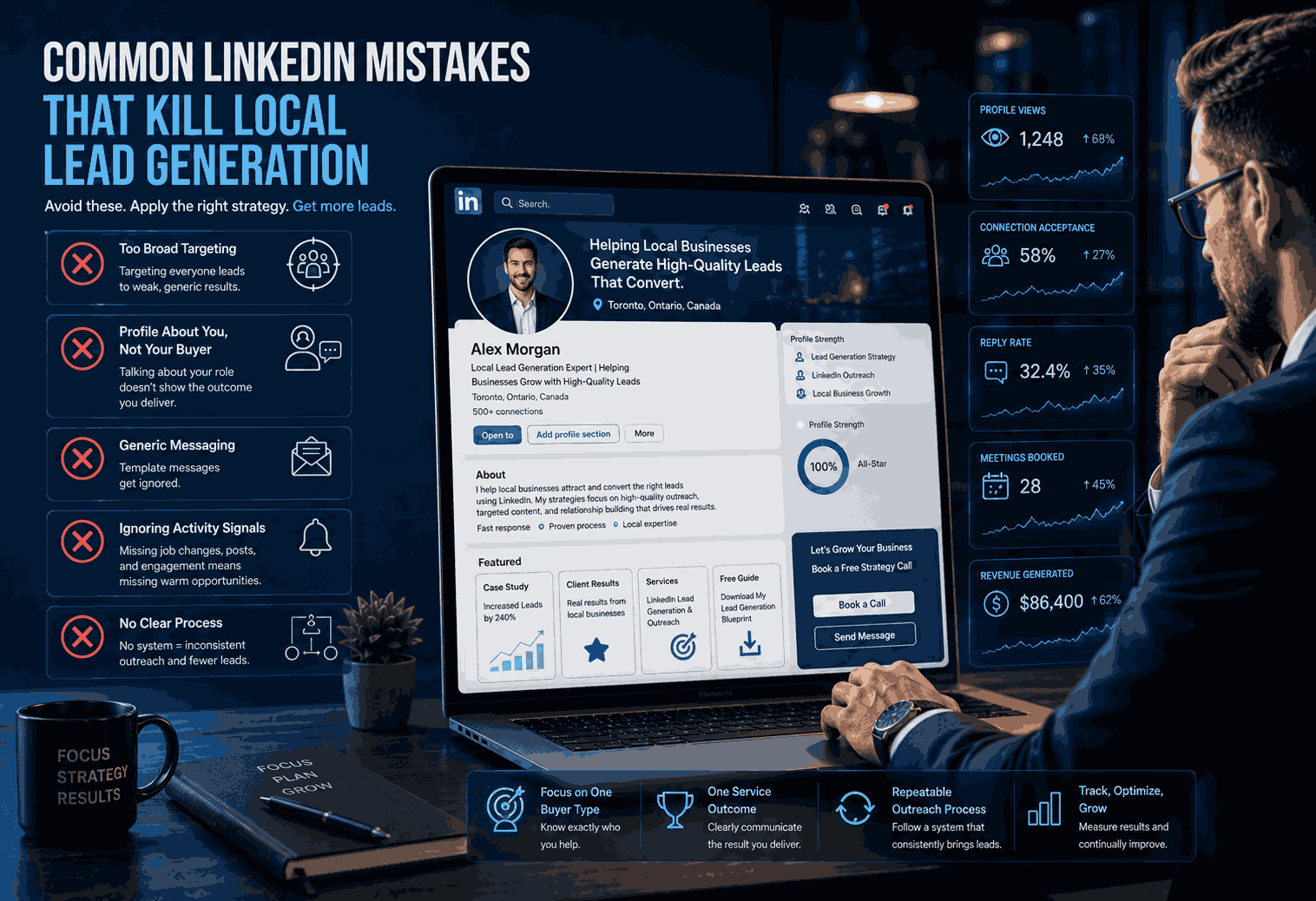
Most LinkedIn lead generation problems come from inconsistency or overcomplication. Local companies often post without a clear offer, message too many people too quickly, or target the wrong audience. Others treat Sales Navigator like a magic button instead of a targeting tool. LinkedIn’s outreach guidance is very clear on what does not work: generic messages, mass outreach, and overly polished wording that hides the real point. What works better is a focused audience, a clear point of view, and messages that sound human. If you avoid the common mistakes, your lead quality improves fast. If you also follow a simple action plan, LinkedIn becomes a repeatable channel instead of a random source of hope.
Common LinkedIn mistakes that kill local lead generation